Innoventix Solution CA

Microsoft 365 Migration Services in Canada

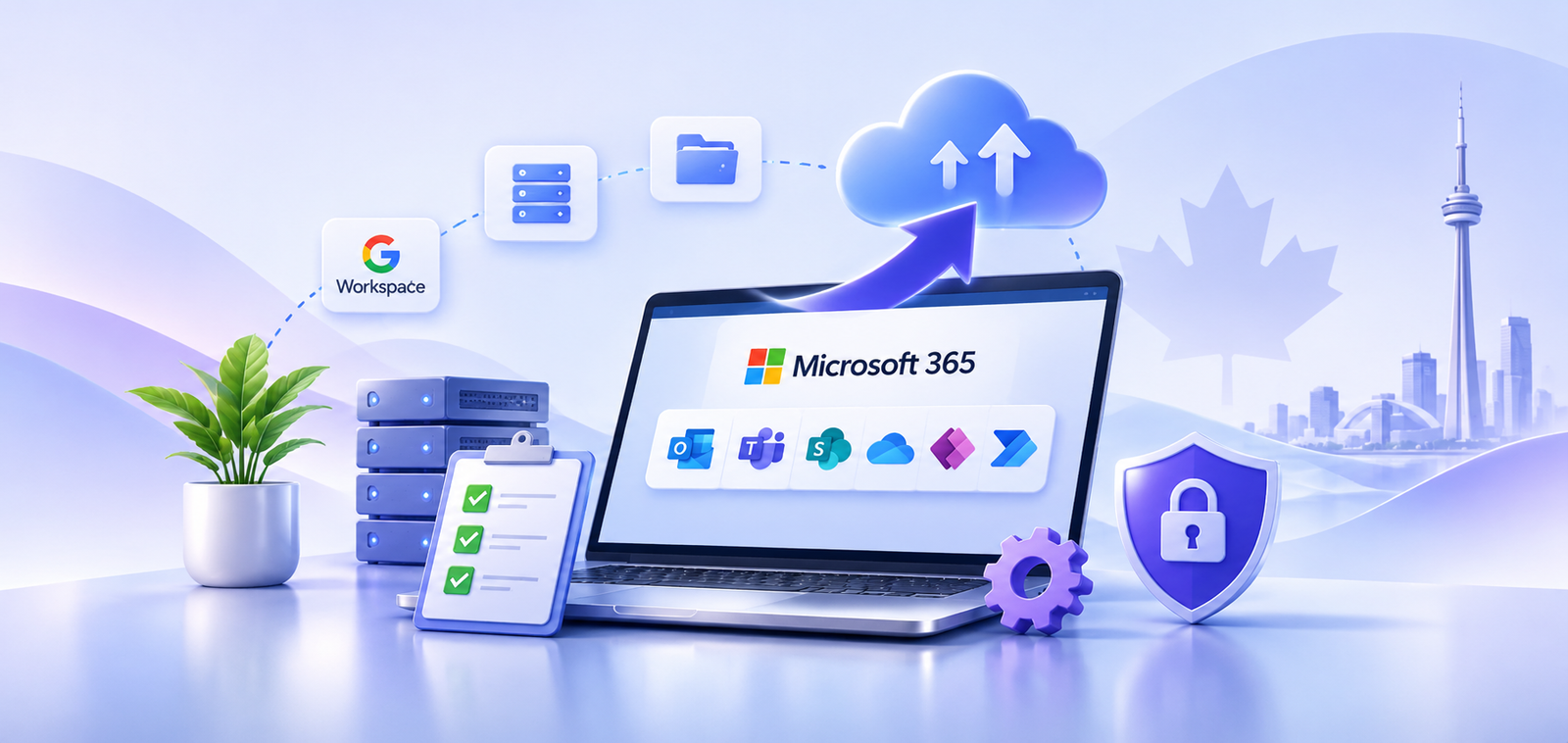
Our Microsoft 365 migration services cover email, files, SharePoint, OneDrive, and other business data. Whether you're moving from Google Workspace, an on-premises Exchange environment, a file server, or an existing Microsoft 365 tenant, we help you plan a migration that considers your business requirements and existing IT environment. From initial assessment and migration planning to data transfer, testing, and post-migration assistance, our team helps make your transition organized and manageable.

Talk to our team about your Microsoft 365 migration project.

Migrate

Why Migrate to Microsoft 365?

Microsoft 365 brings together business email, document storage, communication, and collaboration tools in one connected environment.

Moving to Microsoft 365 can help your organization:

Improve Team Collaboration

Give employees access to Microsoft Teams, SharePoint, and OneDrive to share information, collaborate on documents, and work together across locations.

Simplify Document Management

Use SharePoint and OneDrive to organize business files, manage document versions, and improve how teams access and share information.

Streamline Business Processes

Connect Microsoft 365 applications with Power Automate and Power Apps to simplify approvals, notifications, and other routine processes.

Support Business Growth

Build a cloud-based working environment that can adapt as your organization adds users, departments, and new business requirements.
Migration types

Our Microsoft 365 Migration Services

Google Workspace to Microsoft 365

Google Workspace to Microsoft 365

Gmail, Calendar, Contacts and Drive moved to Exchange Online, OneDrive and SharePoint.

Exchange on-premises to Exchange Online

Exchange on-premises to Exchange Online

hybrid or cutover, based on your size and timeline.

File shares to SharePoint and OneDrive

File shares to SharePoint and OneDrive

cleaned, restructured and permissioned, not dumped.

Tenant-to-tenant (mergers, acquisitions, divestitures)

Tenant-to-tenant (mergers, acquisitions, divestitures)

Migrate Microsoft 365 mailboxes, files, Teams and groups while keeping teams working.

SharePoint Server 2016 and 2019 to SharePoint Online

SharePoint Server 2016 and 2019 to SharePoint Online

support for both ended on July 14, 2026, so on-premises farms no longer receive security updates. See our SharePoint page.
Process

Our Microsoft 365 Migration Process

A successful Microsoft 365 migration starts with understanding your current environment and defining a clear migration plan.

01 STEP

Discovery and inventory

We count users, mailboxes, files, sites, apps and integrations, and flag risks such as large mailboxes, shared mailboxes and permission sprawl.
02 STEP

Design and licensing

We define the target tenant, naming, security baseline and the right licences.
03 STEP

Pilot migration

A small group moves first so we can fix issues before everyone is affected.
04 STEP

Cutover in waves

We migrate in scheduled waves, usually outside business hours, with a rollback plan.
05 STEP

Adoption and support.

Training, a hypercare period and clean-up of the old environment.
Pricing and timing

How much does a Microsoft 365 migration
cost in Canada?

Price depends on the number of users, mailbox and file volume, and how much needs to be redesigned. Typical starting points:  larger or multi-tenant projects are scoped individually.

Users Numbers Typical starting price (CAD) Typical duration
Under 50 Users $5,000 2-4 weeks
50 to 250 Users $12,000 4-8 weeks

Larger or multi-tenant projects are scoped individually.

Industry Awards

Recognized Excellence and Industry Awards

Why Choose

Why Choose Innoventix for Microsoft 365 Migration?

Choosing the right migration partner helps your organization prepare for the technical and operational changes involved in moving to Microsoft 365.Innoventix Solutions takes a structured approach to migration, with attention to your existing environment, business requirements, and future plans.

  • Migration planning: We assess your current environment before defining the migration approach.
  • Multiple migration scenarios: We can discuss migrations from Google Workspace, on-premises infrastructure, file servers, and existing Microsoft 365 tenants.
  • Microsoft 365 expertise: Our work spans SharePoint, Exchange Online, Teams, OneDrive, Power Apps, and Power Automate.
  • Business-focused approach: We consider users, data, access, and business processes throughout the project.
  • Testing and validation: We include checks to help confirm that migrated workloads are functioning as expected.

Our goal is to help your organization move to Microsoft 365 with a clear plan and a migration process suited to your environment.

Risks we manage

What can go wrong, and how we prevent it

Lost or broken permissions

we document and test permissions before and after each wave.

User confusion

short role-based training and a simple "what changes for me" guide.

Email delivery problems

we plan DNS, SPF, DKIM and DMARC changes and test mail flow before cutover.

Over-sharing after the move

we apply sensitivity labels and sharing limits in the new environment.
FAQ

Migration FAQs

What are Microsoft 365 migration services?

Microsoft 365 migration services help businesses move email, files, documents, and other supported workloads from existing platforms to Microsoft 365. The process typically includes assessment, planning, configuration, data migration, testing, and post-migration assistance.

Yes. A migration can include Gmail, Google Calendar, Google Contacts, and Google Drive content, depending on the source environment, available tools, and migration scope.

Yes. Business email can be migrated to Exchange Online from supported platforms such as Google Workspace, hosted email services, and on-premises Exchange environments.

Yes. SharePoint migration projects can include moving content from supported on-premises SharePoint environments to SharePoint Online. The approach depends on the source version, customizations, permissions, and content structure.

Yes. File server migration can be planned based on how your organization stores and uses its files. Individual user files may be suitable for OneDrive, while shared departmental and business content may be better suited to SharePoint.

Yes. Tenant-to-tenant migration can be required during mergers, acquisitions, organizational restructuring, or tenant consolidation. The migration scope depends on the workloads and data involved.

Migration planning aims to minimize disruption to business operations. The level of interruption depends on the source platform, migration method, workload, and cutover requirements. We assess these factors when planning the project.

The timeline depends on the number of users, mailbox sizes, file volumes, source environment, technical complexity, and migration scope. A migration assessment helps establish a realistic project timeline.

Security should be considered throughout the migration process. This includes reviewing access permissions, configuring the destination environment, using appropriate migration methods, and validating the migrated data.

Yes. Post-migration assistance can include troubleshooting, access checks, configuration updates, email testing, and guidance for users and administrators.

clients

What clients say

Communication was excellent throughout the entire project. The team kept us informed at every stage and delivered a high-quality iOS app that met our expectations.
Kiana P.
MotherBear App
Great job on the app! Thank you for the timely delivery and excellent support throughout the project. The app meets our expectations.
M. Barniyah
Kaddad Express
Highlights excellent communication, quick availability, technical knowledge, detailed workflows and prompt issue resolution.
Drew M
Canada
Appreciates the team's Microsoft 365 infrastructure expertise and custom SharePoint site development.
Brandon H
USA
services

Related services

SharePoint consulting

SharePoint consulting

Design and optimize SharePoint solutions for better collaboration, document management and workflow automation.

Security and compliance

Security and compliance

Strengthen data protection, manage access and ensure compliance with Microsoft 365 security standards.

Microsoft 365 Copilot readiness

Microsoft 365 Copilot readiness

Prepare your Microsoft 365 environment for secure and effective AI-powered productivity with Copilot.

Get a Microsoft 365 migration plan

Tell us where you are moving from and how many people are affected. We will reply with a scoped plan and fixed price.

Prefer to talk? Call +1 (778) 709-1306 or email canada@innoventixsolutions.com.