Google Workspace to Microsoft 365
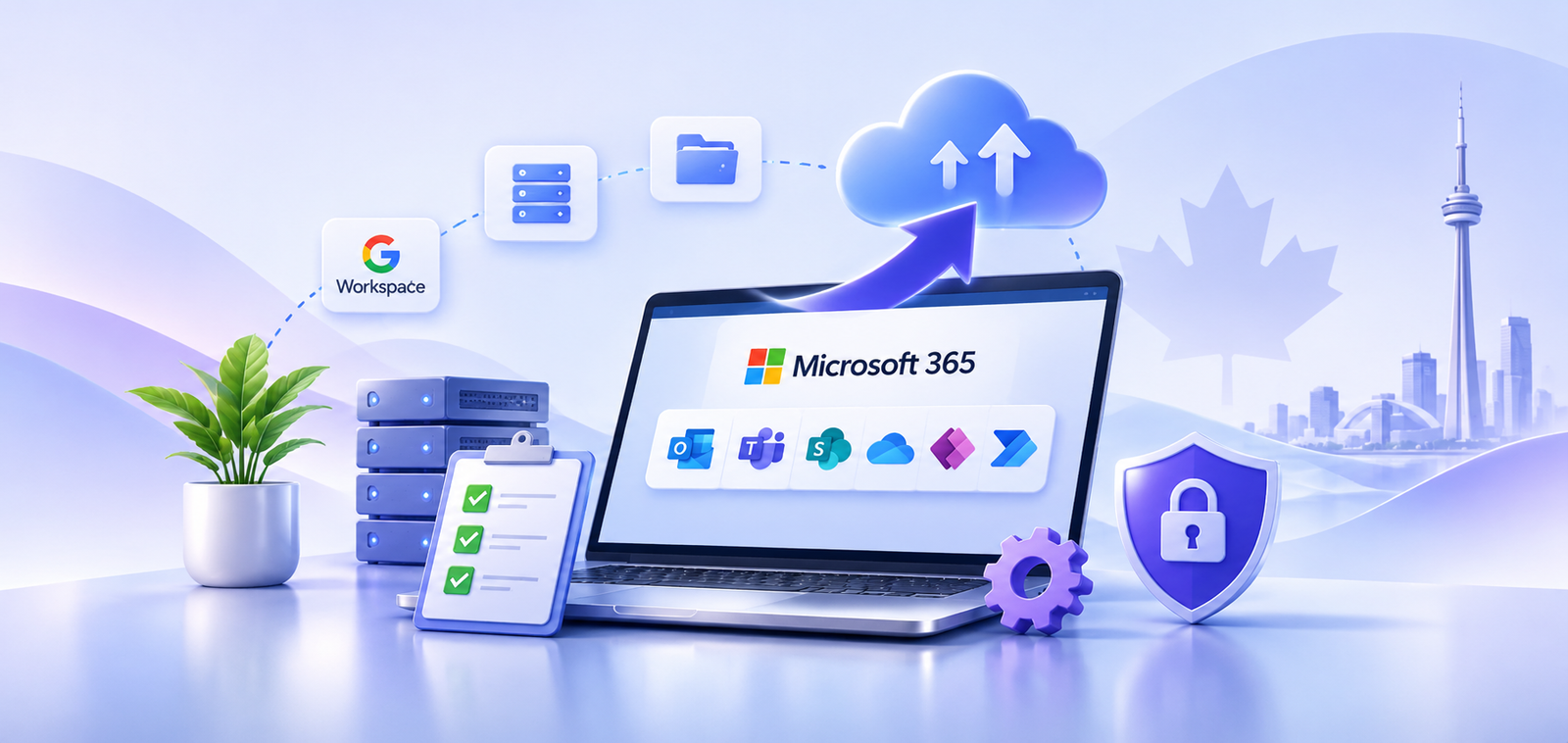
Gmail, Calendar, Contacts and Drive moved to Exchange Online, OneDrive and SharePoint.


Our Microsoft 365 migration services cover email, files, SharePoint, OneDrive, and other business data. Whether you're moving from Google Workspace, an on-premises Exchange environment, a file server, or an existing Microsoft 365 tenant, we help you plan a migration that considers your business requirements and existing IT environment. From initial assessment and migration planning to data transfer, testing, and post-migration assistance, our team helps make your transition organized and manageable.
Talk to our team about your Microsoft 365 migration project.

Microsoft 365 brings together business email, document storage, communication, and collaboration tools in one connected environment.
Moving to Microsoft 365 can help your organization:
Gmail, Calendar, Contacts and Drive moved to Exchange Online, OneDrive and SharePoint.
hybrid or cutover, based on your size and timeline.
cleaned, restructured and permissioned, not dumped.
Migrate Microsoft 365 mailboxes, files, Teams and groups while keeping teams working.
support for both ended on July 14, 2026, so on-premises farms no longer receive security updates. See our SharePoint page.
A successful Microsoft 365 migration starts with understanding your current environment and defining a clear migration plan.
Price depends on the number of users, mailbox and file volume, and how much needs to be redesigned. Typical starting points: larger or multi-tenant projects are scoped individually.
| Users Numbers | Typical starting price (CAD) | Typical duration |
|---|---|---|
| Under 50 Users | $5,000 | 2-4 weeks |
| 50 to 250 Users | $12,000 | 4-8 weeks |
Larger or multi-tenant projects are scoped individually.
Choosing the right migration partner helps your organization prepare for the technical and operational changes involved in moving to Microsoft 365.Innoventix Solutions takes a structured approach to migration, with attention to your existing environment, business requirements, and future plans.
Our goal is to help your organization move to Microsoft 365 with a clear plan and a migration process suited to your environment.
Microsoft 365 migration services help businesses move email, files, documents, and other supported workloads from existing platforms to Microsoft 365. The process typically includes assessment, planning, configuration, data migration, testing, and post-migration assistance.
Yes. A migration can include Gmail, Google Calendar, Google Contacts, and Google Drive content, depending on the source environment, available tools, and migration scope.
Yes. Business email can be migrated to Exchange Online from supported platforms such as Google Workspace, hosted email services, and on-premises Exchange environments.
Yes. SharePoint migration projects can include moving content from supported on-premises SharePoint environments to SharePoint Online. The approach depends on the source version, customizations, permissions, and content structure.
Yes. File server migration can be planned based on how your organization stores and uses its files. Individual user files may be suitable for OneDrive, while shared departmental and business content may be better suited to SharePoint.
Yes. Tenant-to-tenant migration can be required during mergers, acquisitions, organizational restructuring, or tenant consolidation. The migration scope depends on the workloads and data involved.
Migration planning aims to minimize disruption to business operations. The level of interruption depends on the source platform, migration method, workload, and cutover requirements. We assess these factors when planning the project.
The timeline depends on the number of users, mailbox sizes, file volumes, source environment, technical complexity, and migration scope. A migration assessment helps establish a realistic project timeline.
Security should be considered throughout the migration process. This includes reviewing access permissions, configuring the destination environment, using appropriate migration methods, and validating the migrated data.
Yes. Post-migration assistance can include troubleshooting, access checks, configuration updates, email testing, and guidance for users and administrators.
Design and optimize SharePoint solutions for better collaboration, document management and workflow automation.
Strengthen data protection, manage access and ensure compliance with Microsoft 365 security standards.
Prepare your Microsoft 365 environment for secure and effective AI-powered productivity with Copilot.
Tell us where you are moving from and how many people are affected. We will reply with a scoped plan and fixed price.
Prefer to talk? Call +1 (778) 709-1306 or email canada@innoventixsolutions.com.